
Your next adventure starts with a block.
Build your own world, take on colorful obstacle courses, and discover seven arcade games in FamilyBlox. Create a free account, pick a character, collect rewards, and play on any device.

Three ways to play
Switch between free building, platform challenges and quick arcade rounds. Everything you earn is shared across the game.
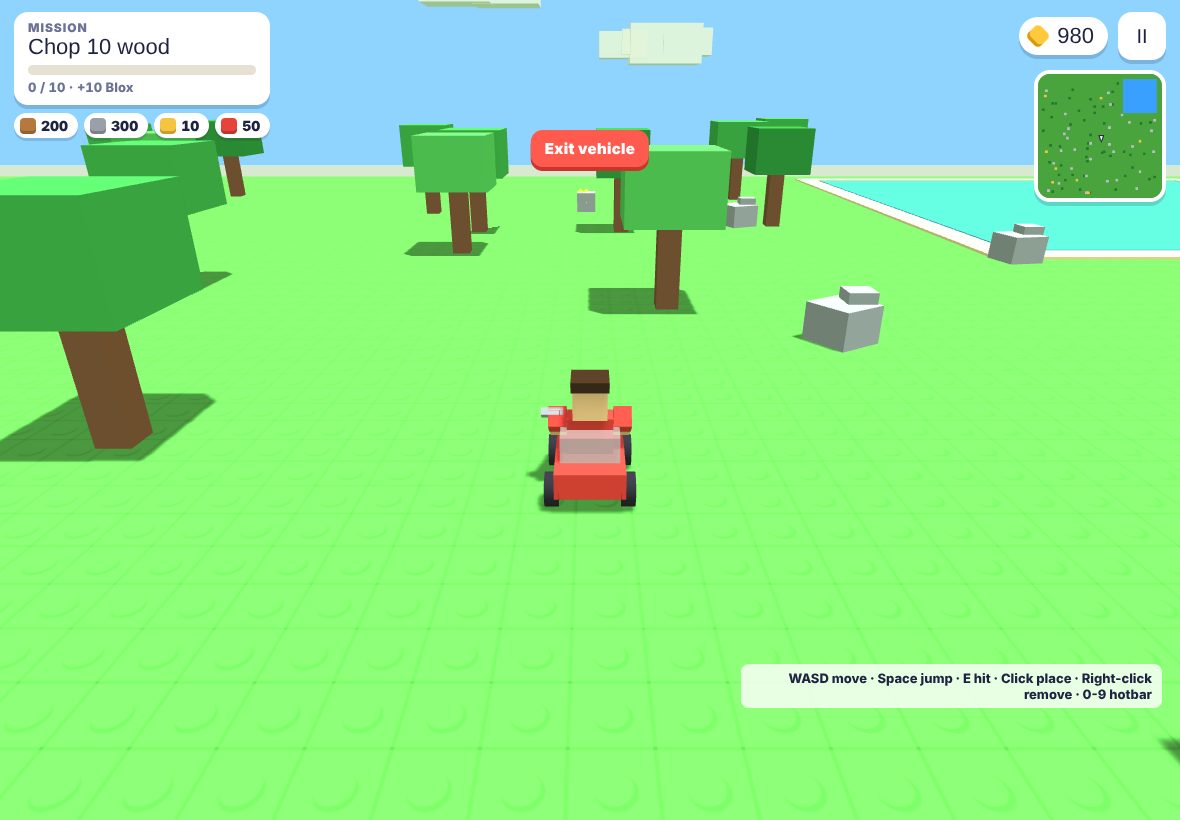
Build World
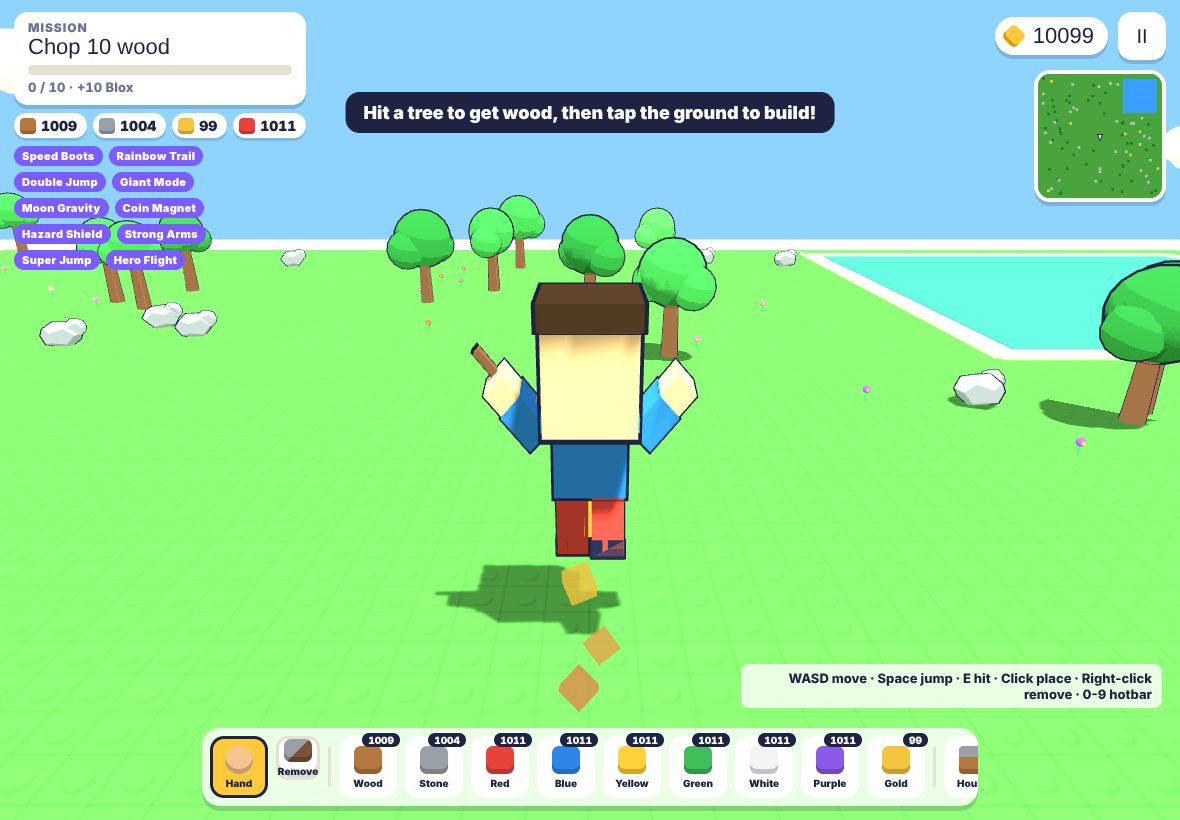
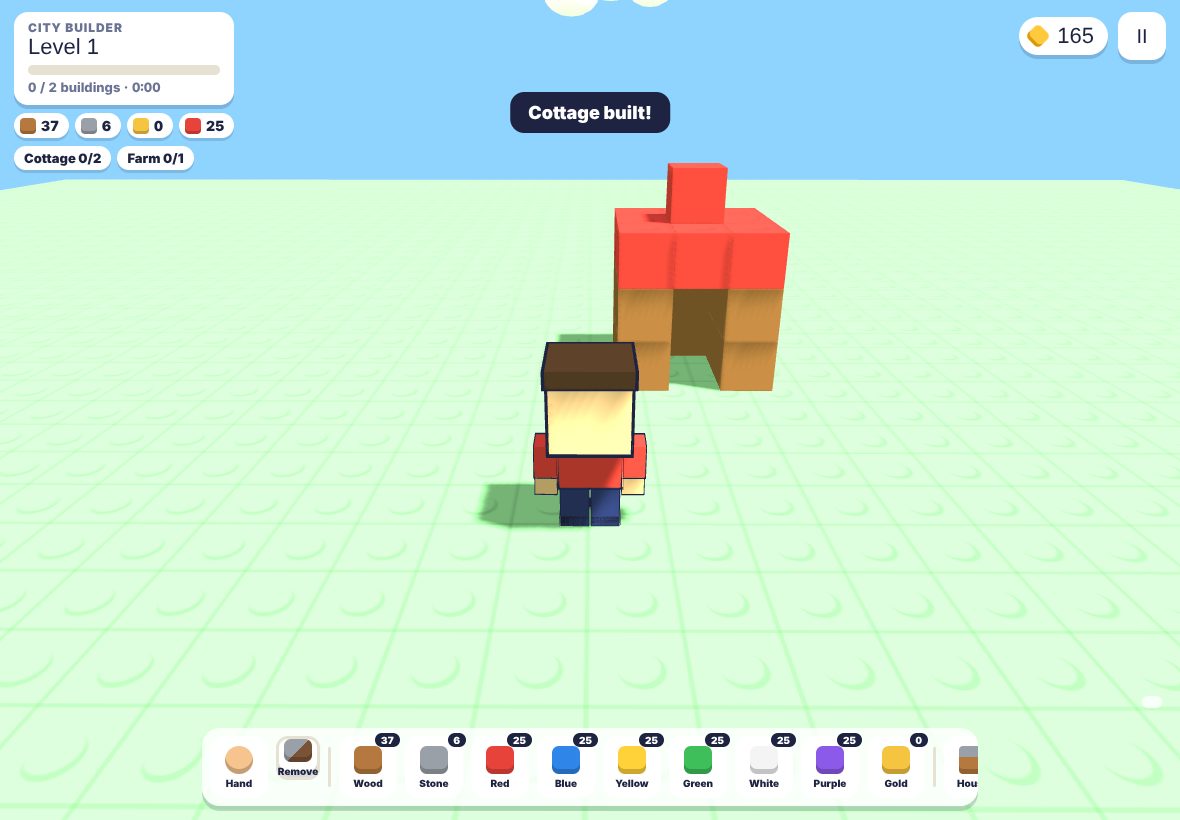
Gather wood, stone and gold, place blocks, raise houses, farms and castles, and drive karts, boats, helicopters and planes around your island.
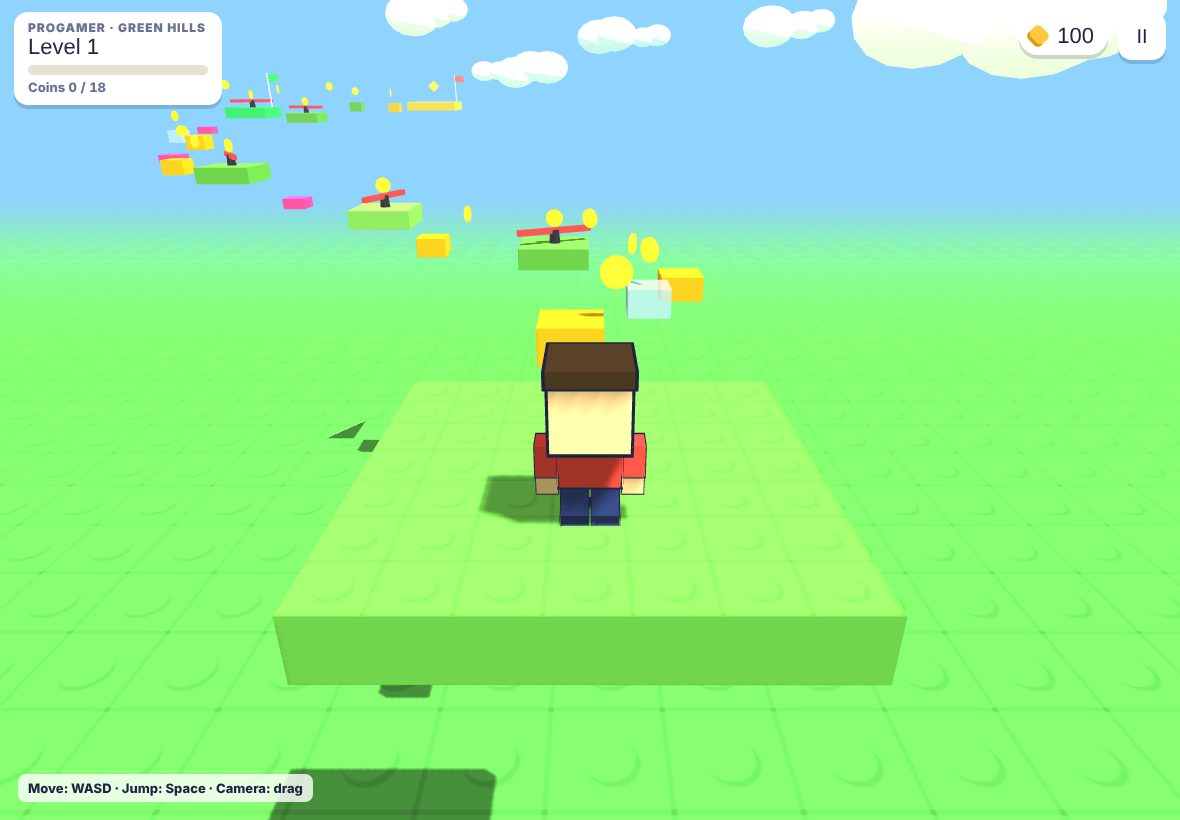
Obby
Jump through five colorful worlds and chase three-star finishes across 150 levels in Easy, Medium and ProGamer tiers.
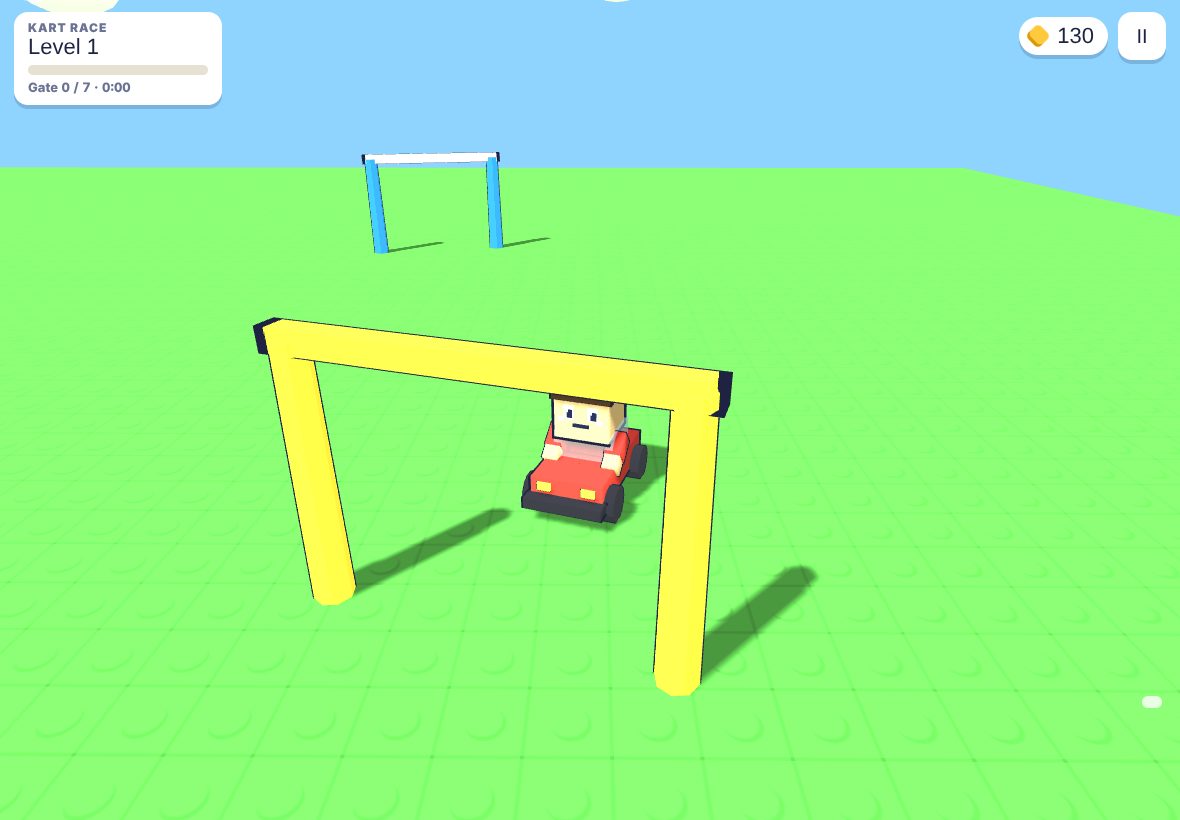
Arcade
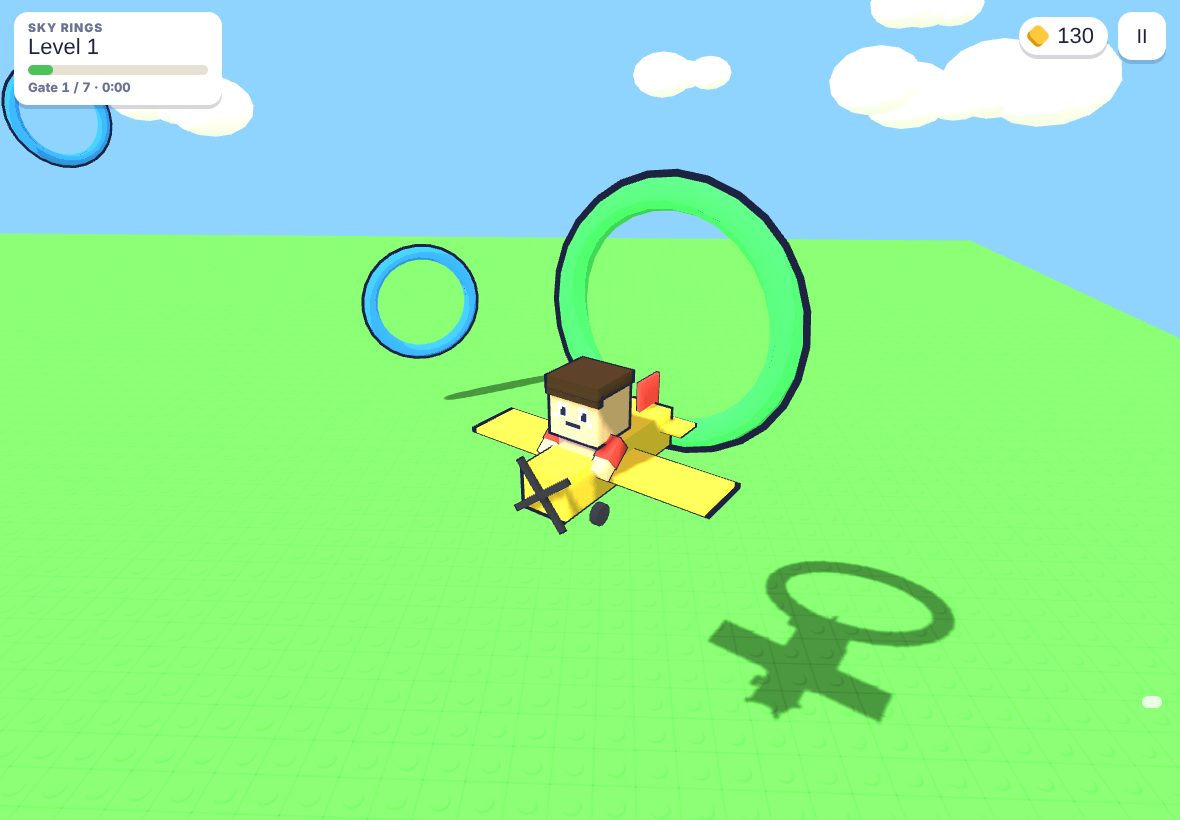
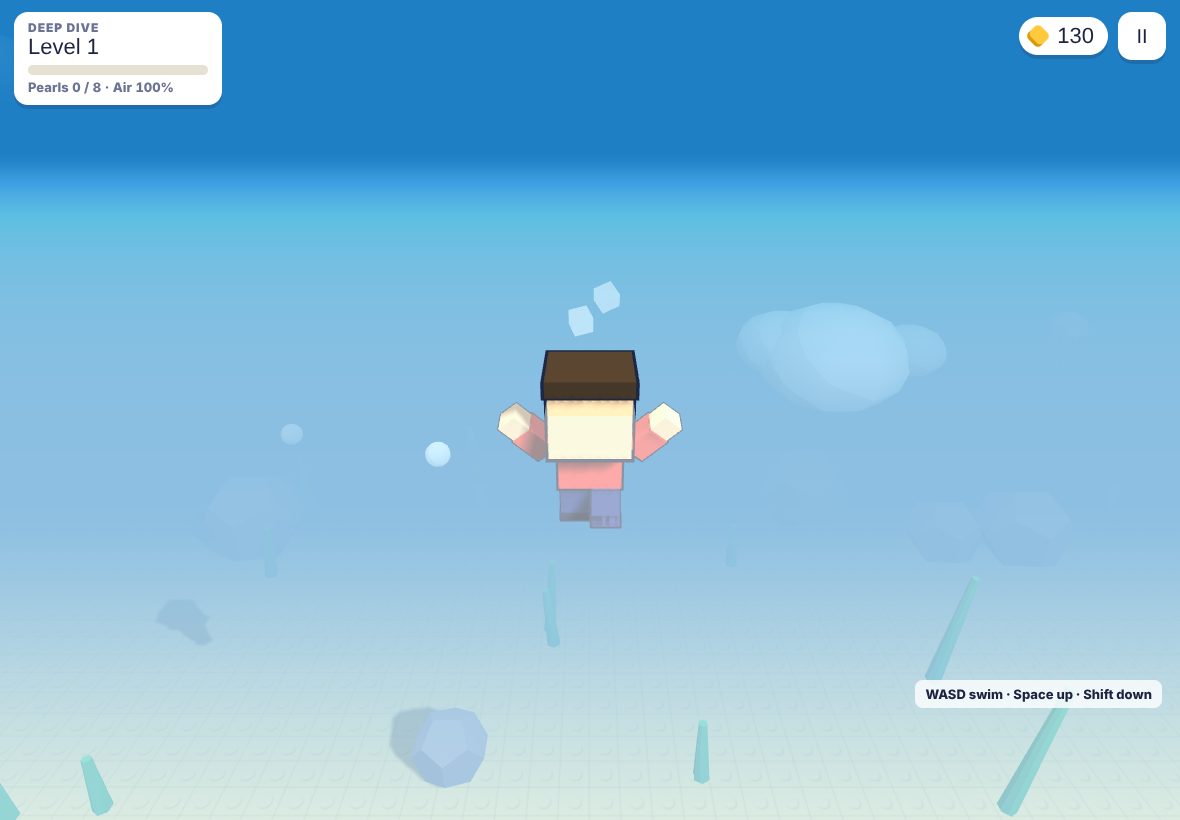
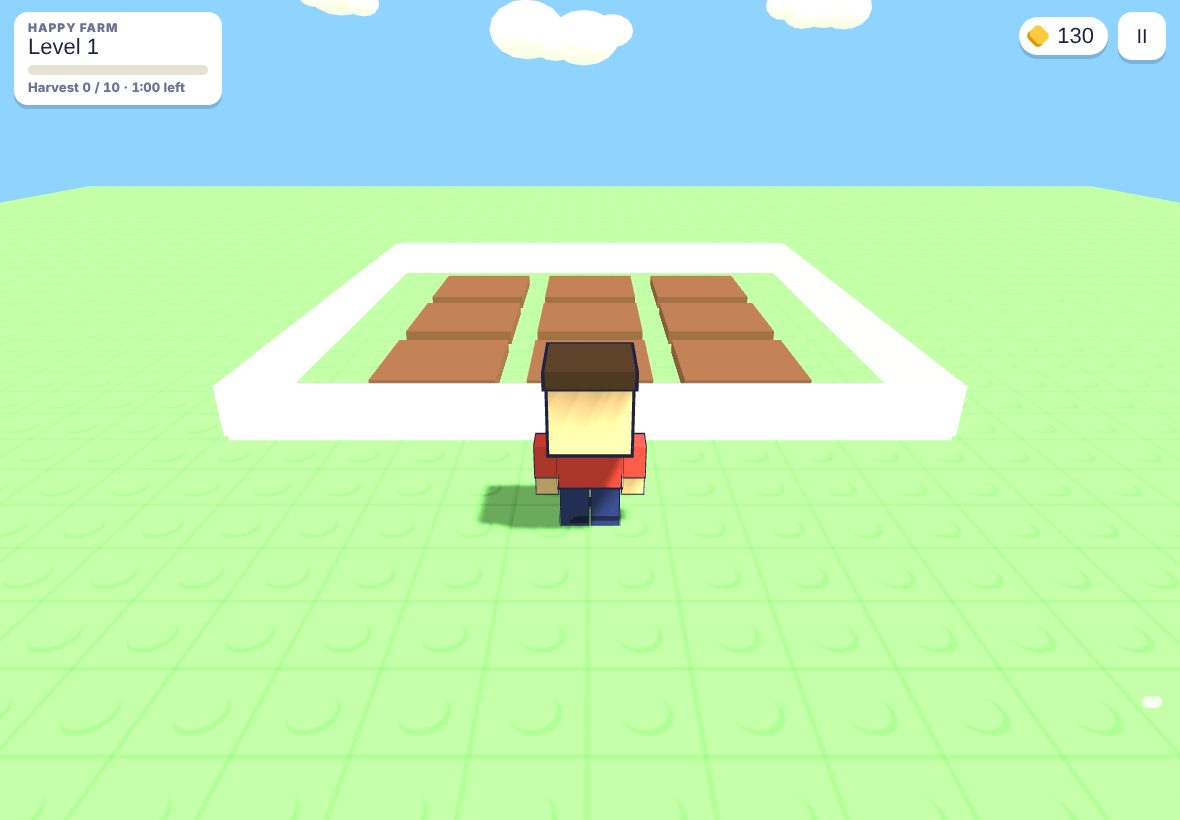
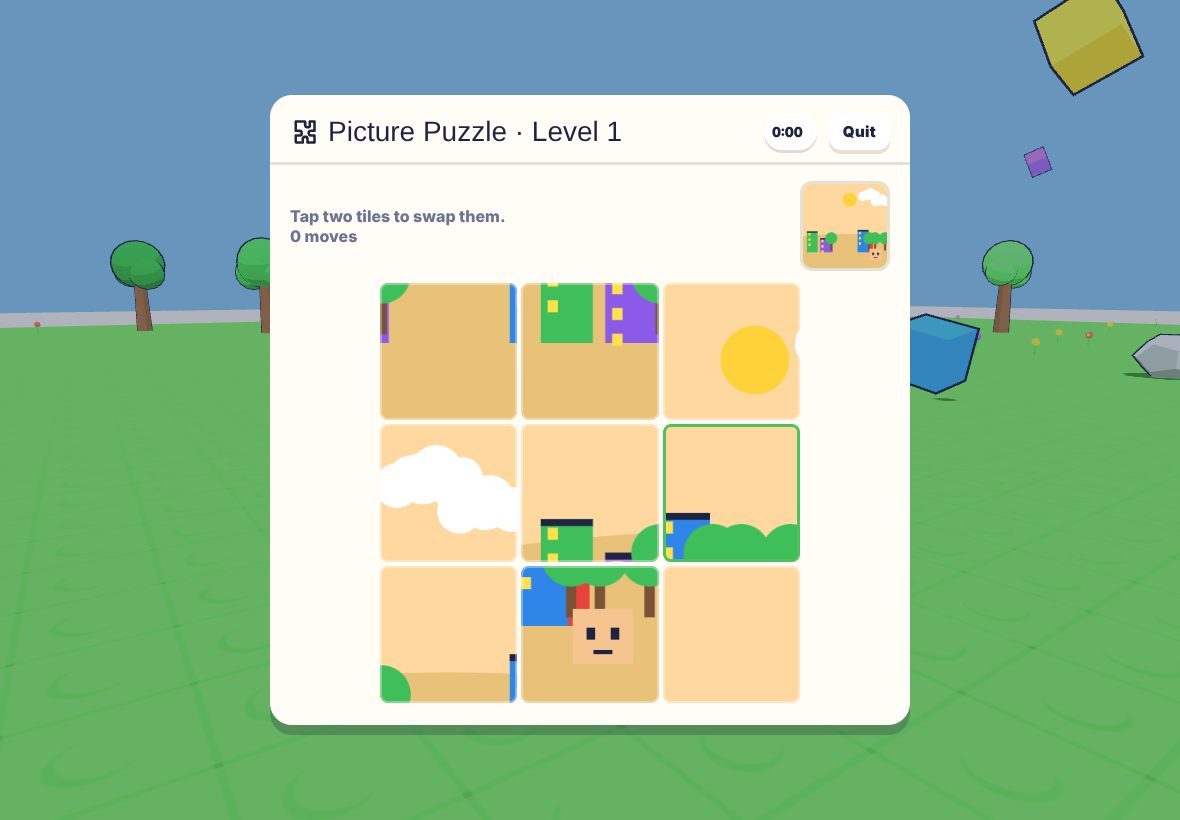
Race, fly, dive, farm, build and solve puzzles across seven minigames with ten levels each.
Make it yours
Create up to eight characters on one account, each with their own world and progress. Dress them in outfits, hats and tools, and pick a pet to follow you around.
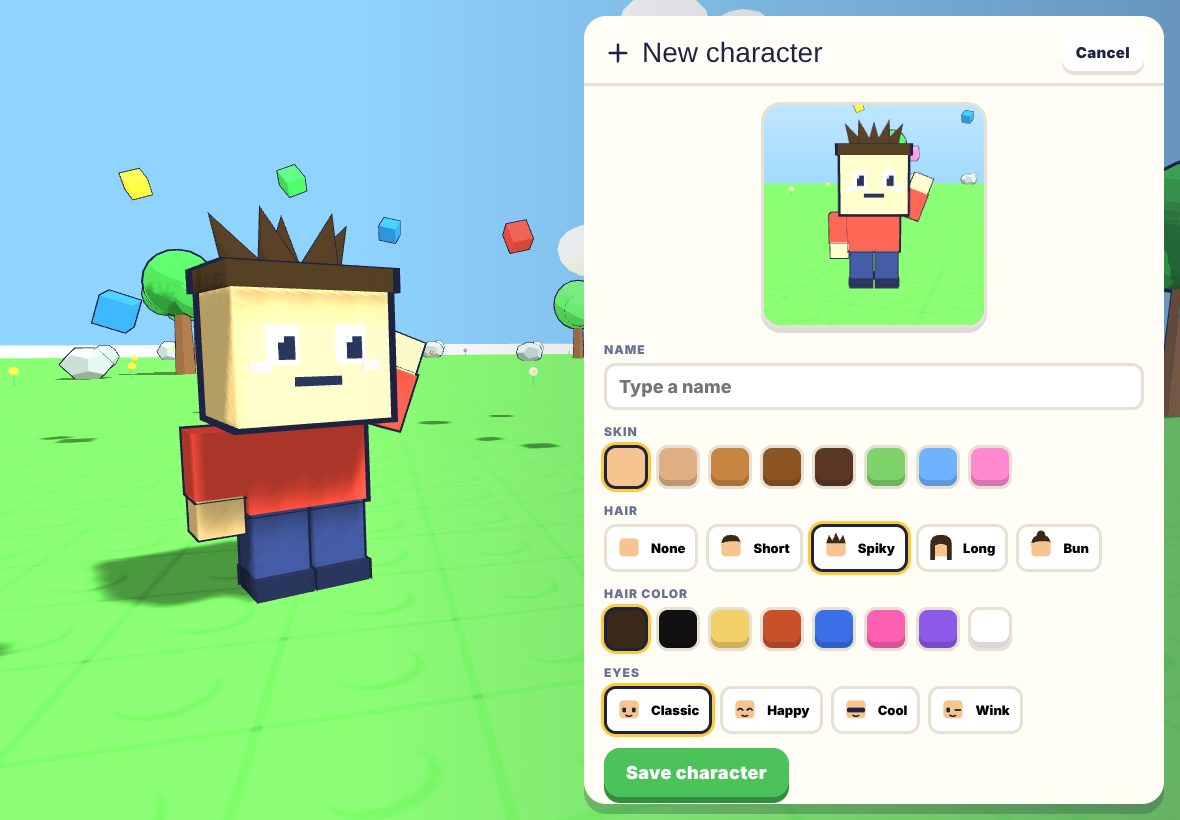
Characters
Skin, hair, eyes and a live 3D preview while you edit.
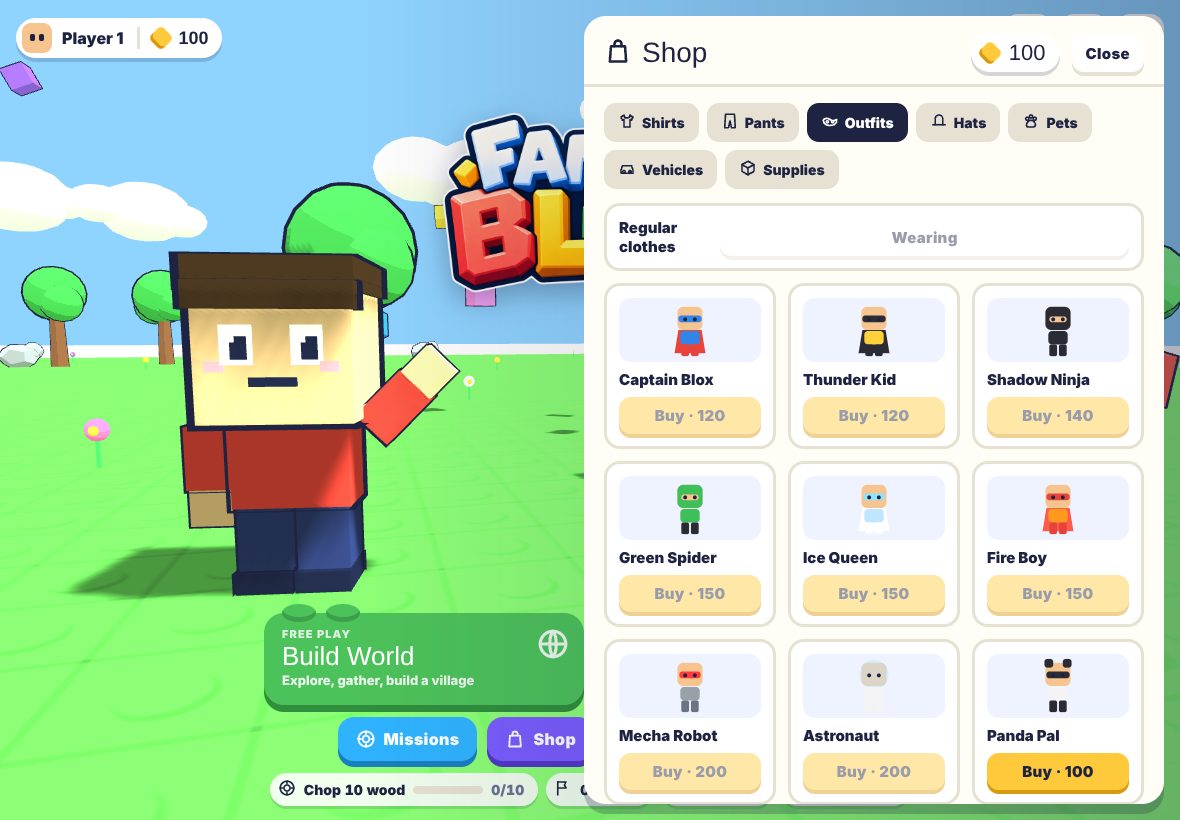
Shop
Shirts, pants, original hero outfits, hats, pets, tools and vehicles, bought with Blox you earn by playing.
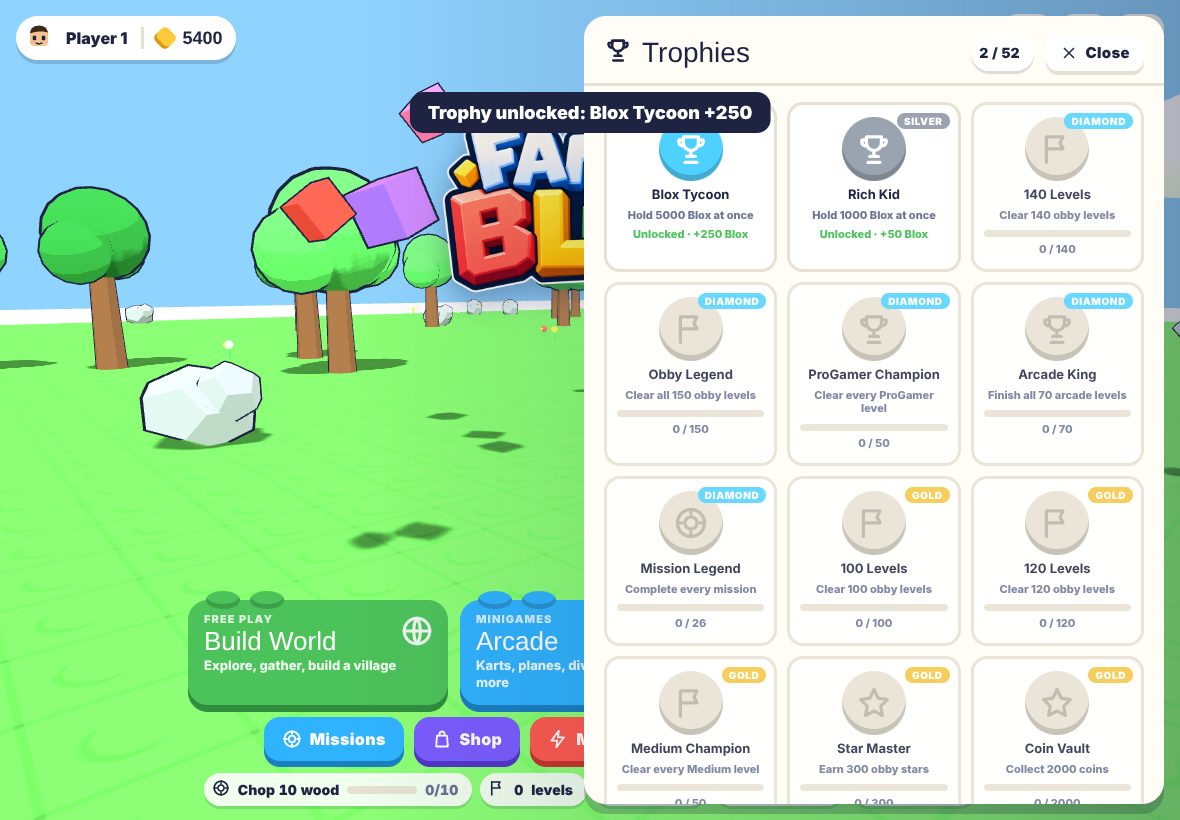
Trophies
Missions and trophies reward building, exploring and finishing levels.
One account, every device
Accounts are free and need only a nickname and a password. Progress is saved to the account, so an iPad at home and a laptop at grandma's show the same characters.
Nickname + password
No real names, no phone numbers. A parent email is optional, for password help.
Cloud save
Characters, worlds, items and trophies follow the account.
Built-in protection
Repeated wrong passwords block the connection automatically; no chat and no friend requests.
Blox & FamilyCoin
Blox is earned by playing. FamilyCoin is a bonus currency given through codes and events; there is nothing to buy with real money in this beta.
What is inside the beta
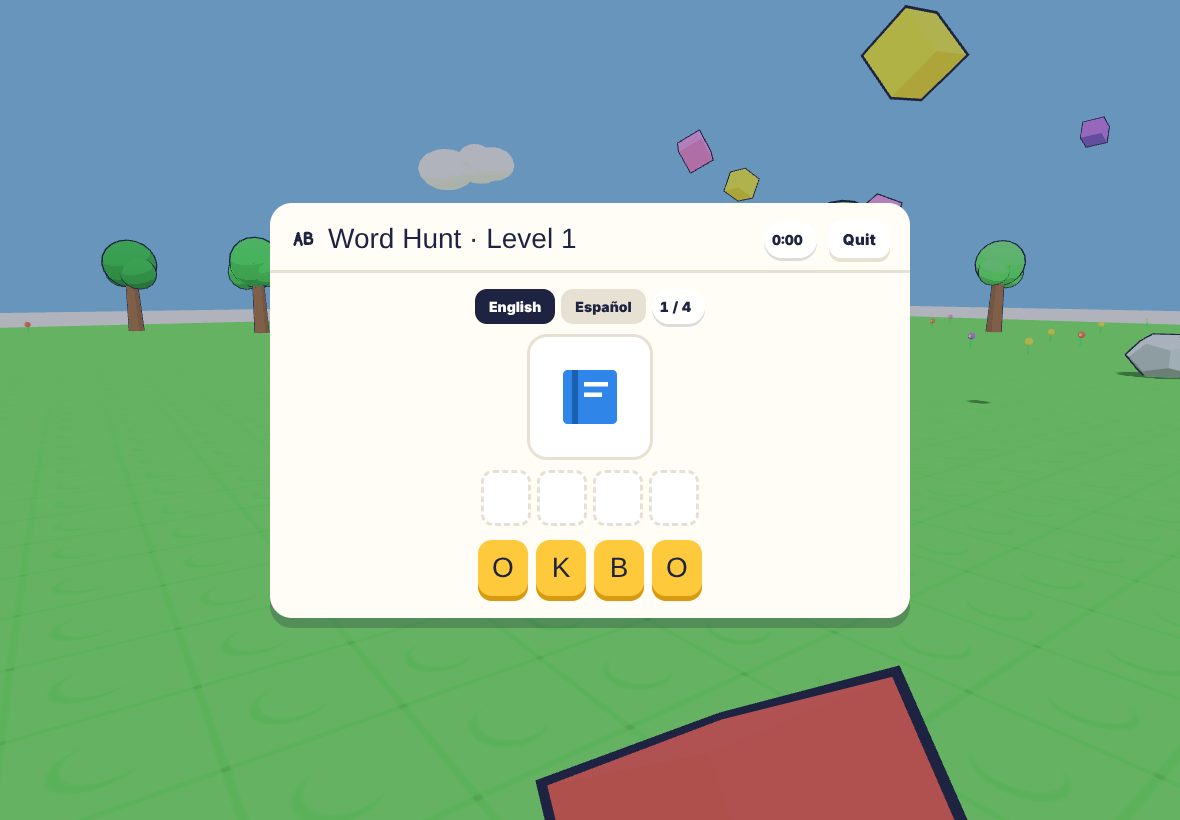
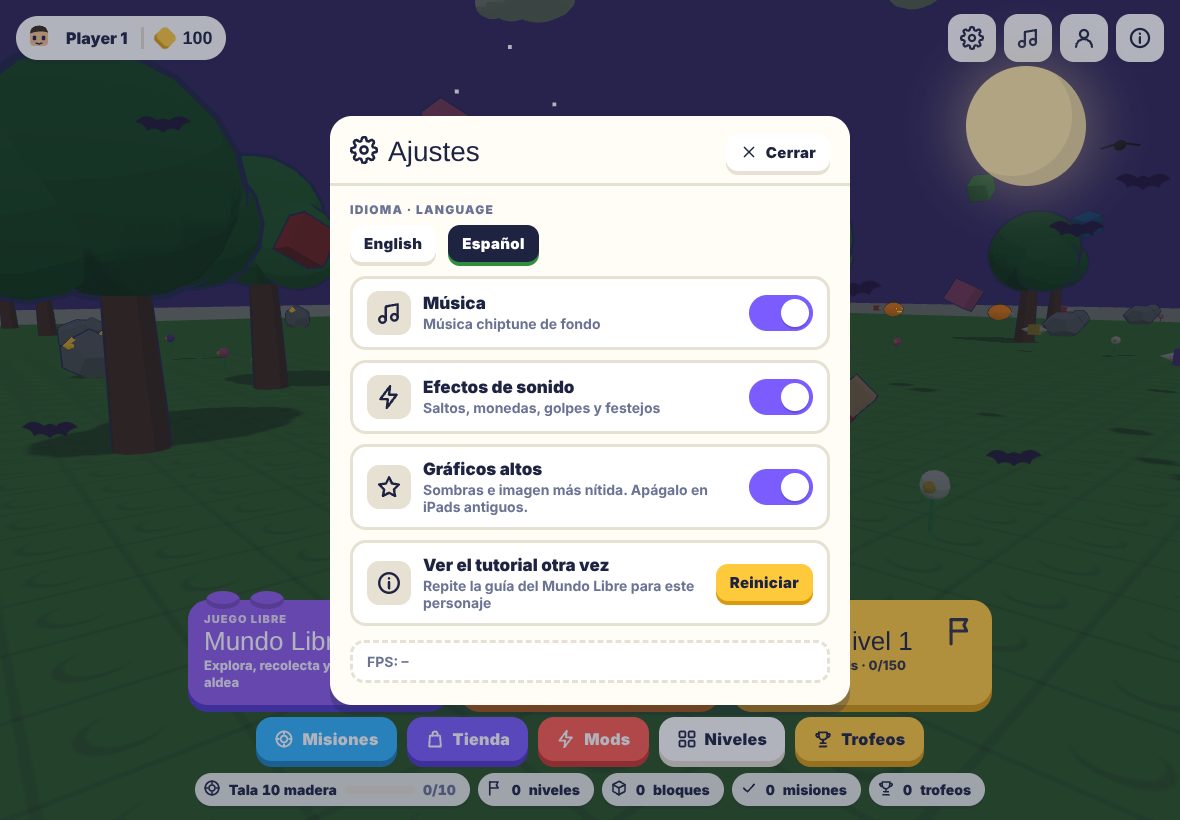
Real gameplay
Captured from the current beta build.
Questions families ask
Which devices work?
Safari on iPad and iPhone, plus desktop Chrome, Edge, Firefox and Safari. iPad in landscape is the best experience. Older devices can switch to low graphics in Settings.
Do we need an account?
Yes. Creating one is free and takes a minute: pick a nickname and a password. Progress is saved to the account, so you can play on more than one device. If the connection drops, the game keeps working with the copy saved on the device and syncs later.
Can my kids play together?
Several characters can take turns on the same account and device, each with their own world. Simultaneous online play is not available in this beta.
Does it cost anything?
No. FamilyBlox is a free beta with no purchases and no ads. FamilyCoin, the bonus currency, is only given through codes and events for now.
Is it in the App Store?
Not yet. You can add it to the iPad home screen from Safari (Share → Add to Home Screen) to play full screen.